How to Create a Landing Page in Nigeria for Free with AI

In this article
- Why you need a landing page (not just a WhatsApp status)
- How to pick what to turn into a landing page
- Using AI to write your landing page copy on Beecelo
- Adding your WhatsApp button
- Sharing your landing page link
- Reading your stats to improve your offer
- Frequently asked questions
- Do I need to pay to create a landing page on Beecelo?
- Can I create multiple landing pages for different products?
- What if I don't like what the AI writes?
- Do people need to join Beecelo to see my landing page?
- Start with one page today
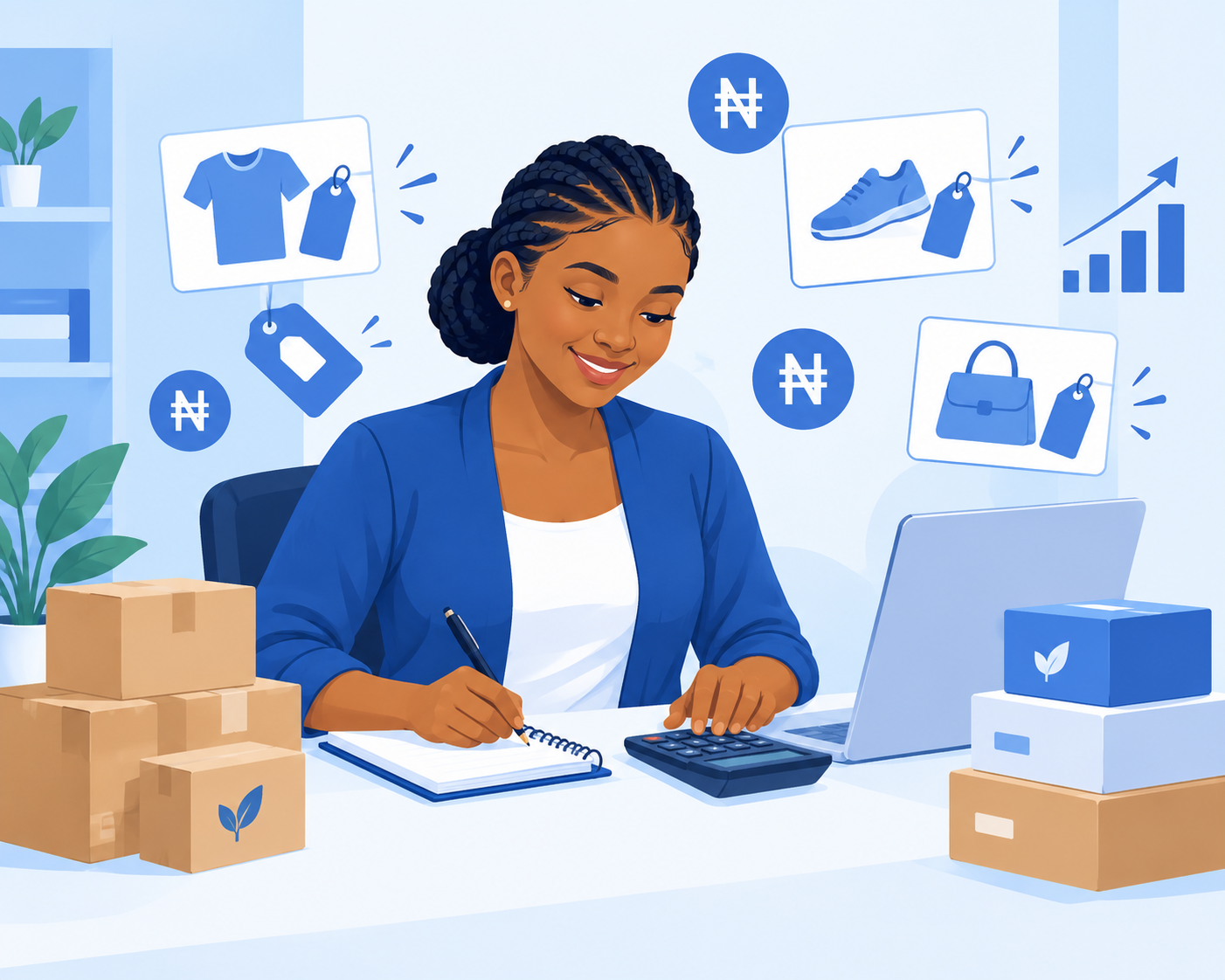
You want to sell your e-book, graphic design service, or course, but typing out sales copy feels like dragging yourself through thick mud. Here's good news: you can now create a landing page in Nigeria for free using AI that writes the copy for you, adds a WhatsApp contact button, and gives you a link to share anywhere.
No coding. No Canva stress. Just a clean page that explains what you're selling and makes it easy for people to reach you.
Why you need a landing page (not just a WhatsApp status)
When you post "DM me for logo design" on your status, people scroll past. They don't know your price, your process, or why they should trust you.
A landing page answers all those questions in one place. It shows what you offer, what the customer gets, how much it costs, and a clear button to contact you on WhatsApp. You share one link on Instagram, Facebook, Twitter, or even in WhatsApp groups, and anyone who clicks sees everything they need.
The best part? You can track how many people viewed your page and how many clicked your WhatsApp button. That tells you if your offer is working or if you need to adjust your price or description.
How to pick what to turn into a landing page
Start with one product or gig. Don't try to sell everything at once.
If you're offering a digital product like an e-book, course, template, or beat, choose your best seller or the one you want to push this month. If you're a freelancer offering gigs like voiceovers, writing, or video editing, pick one service and create a page for it.
One focused page converts better than a page that says "I do everything."
Using AI to write your landing page copy on Beecelo
This is where it gets interesting. Beecelo's AI landing page tool writes the sales copy for you.
Here's how it works:
- Log into your Beecelo account (or create a free account if you don't have one yet).
- Go to the product or gig you want to promote.
- Look for the AI landing page option and click it.
- The AI reads your product title and description, then generates a full landing page with a headline, benefits section, and call-to-action.
- Review the copy. You can edit anything that doesn't sound like you or add details the AI missed.
- Save and publish.
The AI does the heavy lifting, but you stay in control. If it writes "Transform your brand" and you'd rather say "Get a logo that doesn't look like it was made in five minutes," change it.
Adding your WhatsApp button
Every landing page needs one clear next step. For most Nigerian sellers, that's WhatsApp.
When you set up your landing page, you'll add your WhatsApp number. The page automatically creates a "Chat on WhatsApp" button that opens a conversation with you when someone clicks it.
You can even pre-fill the message so when they tap the button, their WhatsApp opens with something like "Hi, I'm interested in your logo design service" already typed. This makes it easier for shy customers to reach out, and easier for you to know which page brought them.
Sharing your landing page link
Once your page is live, you get a short link you can share anywhere.
Post it in your Instagram bio. Share it as a Facebook post. Drop it in relevant WhatsApp groups (respectfully, don't spam). Tweet it. Add it to your email signature.
Because it's one clean link, you don't have to explain everything in the caption. Just write "Professional logo design from ₦15,000. Details here:" and paste your link.
People who are curious will click. People who aren't ready will scroll past. You're not chasing anyone.
Reading your stats to improve your offer
Here's where most people miss out. Beecelo shows you two numbers for each landing page: views and WhatsApp clicks.
If 100 people view your page but only two click your WhatsApp button, something's off. Maybe your price is too high for what you're offering, or your description doesn't explain the value clearly. Try changing your headline or adding more details about what the customer gets.
If you're getting clicks but no sales, the problem might be in your WhatsApp conversation, not the page.
If you're getting very few views, you need to share the link more often or in better places.
These numbers help you test and adjust without guessing.
Frequently asked questions
Do I need to pay to create a landing page on Beecelo?
No, creating landing pages with AI is free on Beecelo. You only pay platform fees when you actually make a sale through the marketplace, and you can check the pricing page for details.
Can I create multiple landing pages for different products?
Yes. You can create a separate landing page for each product or gig you offer. This lets you track which offers are getting the most interest and tailor your message for each one.
What if I don't like what the AI writes?
You can edit every word. The AI gives you a starting point so you're not staring at a blank page, but the final copy is completely up to you.
Do people need to join Beecelo to see my landing page?
No. Your landing page is public and anyone with the link can view it, whether they have a Beecelo account or not. They only contact you through WhatsApp, so there's no barrier between you and your customer.
Start with one page today
You don't need a full website or a big advertising budget to start selling online. One well-written landing page with a WhatsApp button can bring you your next three customers this week.
Pick one product or service, let the AI help you write the copy, and share the link. Check your stats in a few days and adjust. If you haven't joined Beecelo yet, you can create a free account and have your first landing page live in the next twenty minutes.
Start earning on Beecelo today
Sell digital products, offer gigs or promote your business. Free to join.
Create Free Account